Bookkeeper
Reads the files you add and fills each line. You check every row.Reads the files you add and fills each line. You check every row.
No model
A budget workflow assistant for people who need a hand
For the evenings when money feels like too much to open. Anminato fills in your month from the files you add. You check it. Then you see what is left to plan with.

Your budget
$5,000
left after the fixed bills and debts
Limited beta. Built first for people in Israel. Anminato shows estimates and says so.
The maths is not what stops people. One number can take a whole evening, so the app stays closed and the not-knowing grows.
Anminato carries the load. It fills in, adds up, and shows one small step. You can stop at any point. Nothing is lost.
No red. No alarm words. A minus is a fact, in the same ink as a plus.
Read why Anminato existsWhat you see
Anminato takes the rent, the bills and the loan payments out first. What is left is your budget, the part you can still change. Home shows this month only.

What is free to plan with this month, once the fixed bills and the debts are set aside. This is where you can improve the month.

An estimate, called an estimate, one tap away for when you want to look. Each account on its own, each card apart.

Every loan on its own row, with its payment and what is left.Every loan on its own row, with its payment and what is left to pay.
What it looks like
Anminato helps you see what matters most right now. You set up one small step at a time and stop whenever you like. Then Home shows what is left to plan with.
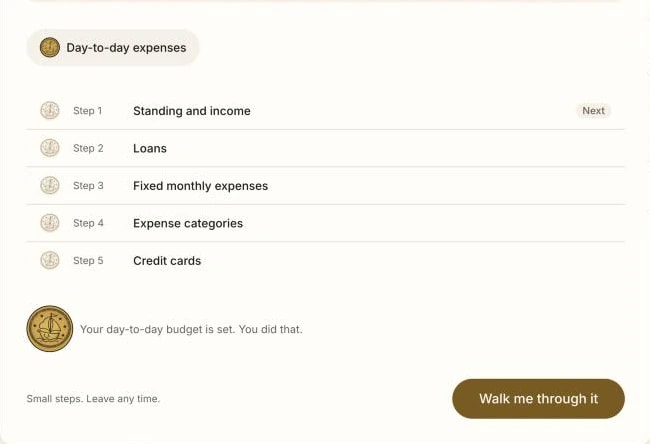

How it works
Each one takes about ten to twenty minutes. Stop whenever you like. Anminato keeps your place.Each one takes about ten to twenty minutes. Stop whenever you like. Anminato keeps your place, and earlier versions are one tap away on Progress.

About 10 min
Each account and card as it stands today, and what comes in each month. One line per screen: add it up, break it down, skip it, or mark it Not mine.
About 15 min
Payment, balance and rate for each loan. Anminato works out months left and shows loans by interest. You pick which to clear first.
About 15 min
Rent, bills and subscriptions, one list. Each line says how it is paid. The same list feeds every month.
About 20 min
An amount for each category you choose, month by month. Every category shows, budgeted or not.
About 15 min each
Each card on its own: used, limit, instalments ahead and the next charge on the 15th.
Your first sitting: one stop, about ten minutes. Then stop.
Join the betaHelpers
You decide. Each answer carries a quiet name tag.You decide. Each answer carries a quiet name tag, so you know where it came from.
Reads the files you add and fills each line. You check every row.Reads the files you add and fills each line. You check every row.
No model

One plain line and one small step. Off until you agree.One plain line and one small step. No new numbers. Off until you agree.
Uses a model only if you turn it on

Points at a few things worth a look.Points at a few things worth a look. No scores, no counts.
Coming later

Tracks each scheduled payment.Tracks each scheduled payment and keeps the Budget current.
Coming later
Set up
Six steps, in any order. You check each row, finish the step, and a card tells you what changed. Pause whenever you like: your progress stays.
1 · Check each row
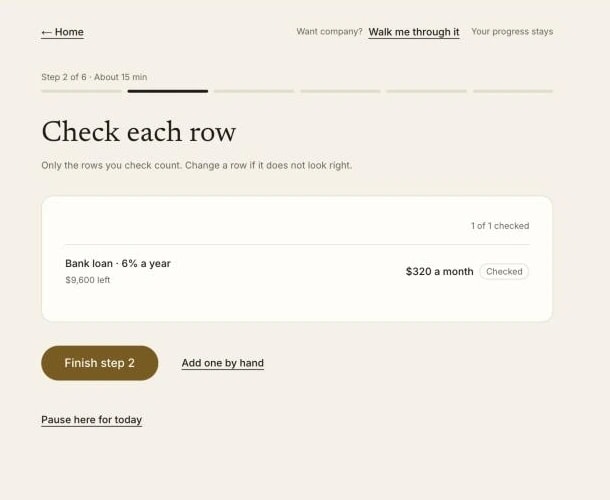
Only the rows you check count. Change a row if it does not look right.
2 · A milestone
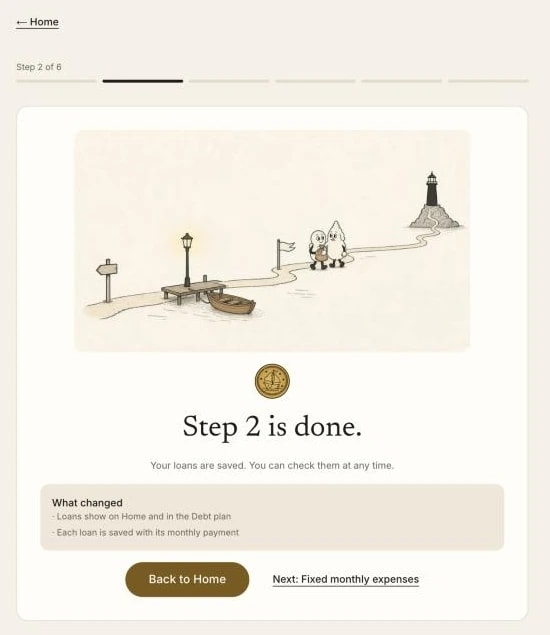
Your loans are saved. You can check them at any time.
3 · Your path
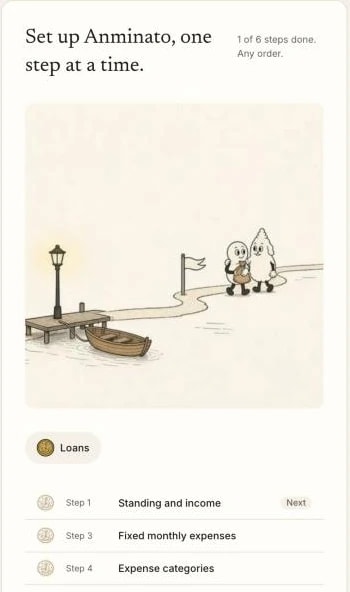
Set up Anminato, one step at a time. Any order.
4 · The next step
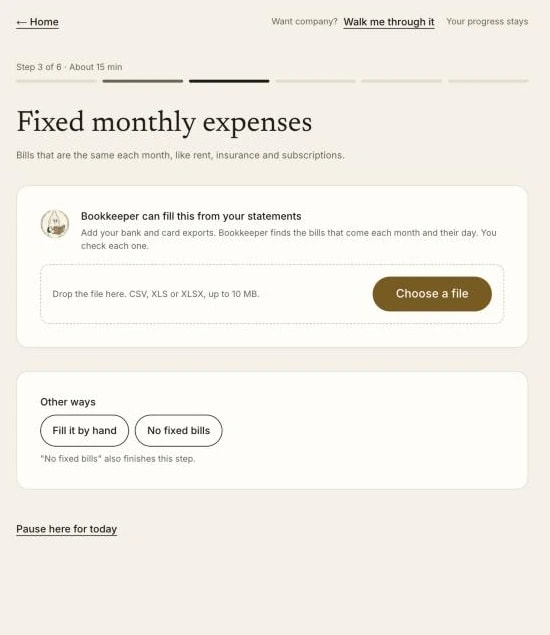
Bills that are the same each month, like rent, insurance and subscriptions.
Swipe sideways to see the steps.

No bank login. You add the files yourself. The engine owns every number, and Anminato never invents one. The assistant only reads.

Join the limited beta. Anminato will write when your place is ready.
Join the beta